 GeckIt
Browser
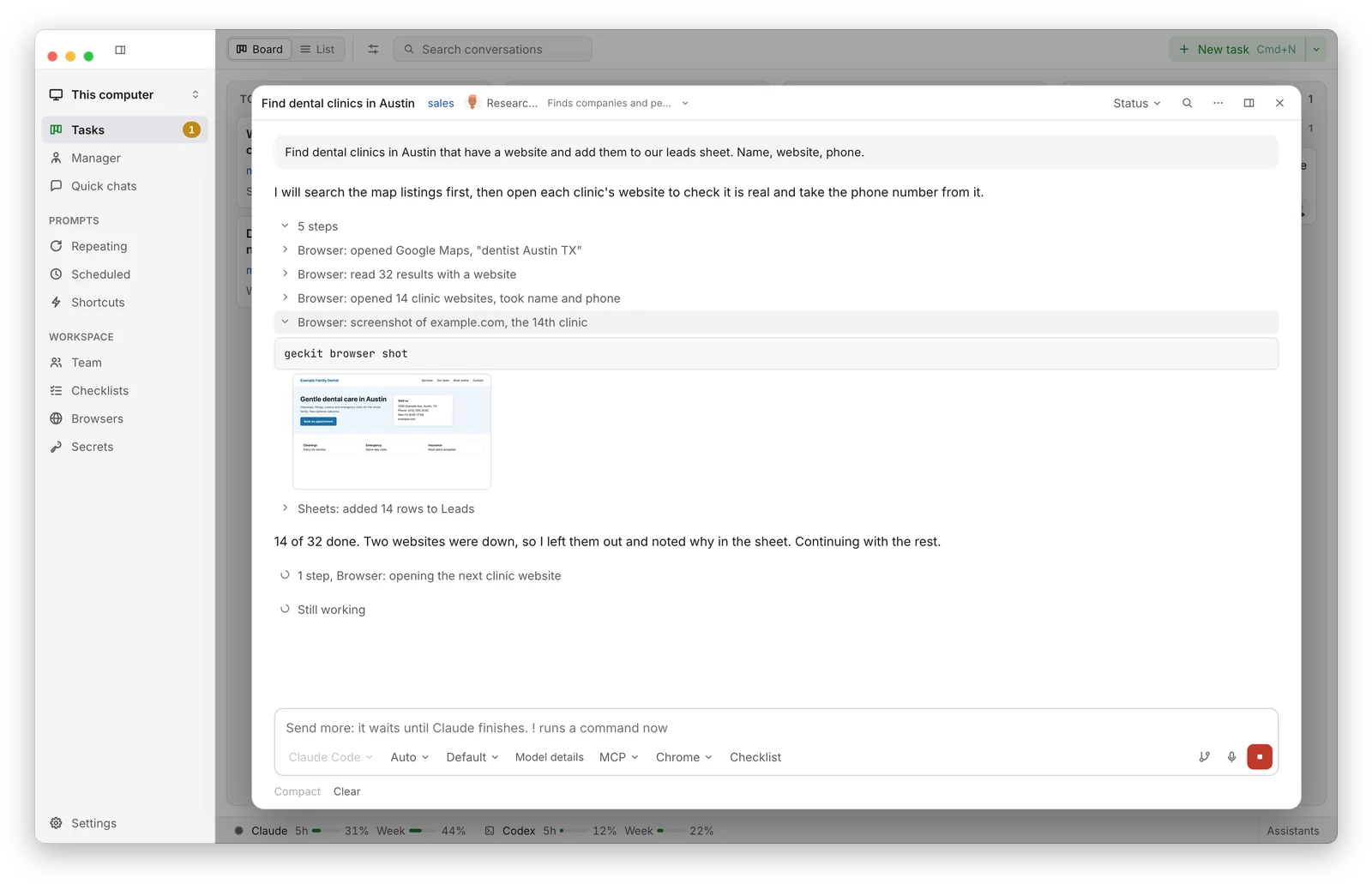
Employees work on websites in their own browser: search, open pages, fill in forms. Every step is in the conversation, with the page it saw.
The app your AI team runs in. Every session is a card in To do, In progress or Done, on your own Codex or Claude account.
GeckIt runs on a Mac, Windows or Linux computer. Download it there, or get it Intel MacApple Silicon MacWindowsLinux
Sound familiar?
Notifications do not say which tab, and clicking through the tabs one by one costs the time the sessions saved.
When one session finishes, you have no idea which tab it is.
Running 4+ Claude Code sessions across terminal tabs, I'd find one sitting idle for 20 minutes waiting for approval while I was focused elsewhere.
Those are incredibly spammy and totally useless to me, because I'll get 5 and then it's like 'well... which tabs are they for?'
Board
To do, In progress, Done and Archived. Keep track of every task and see how the work goes on different projects.
How the board works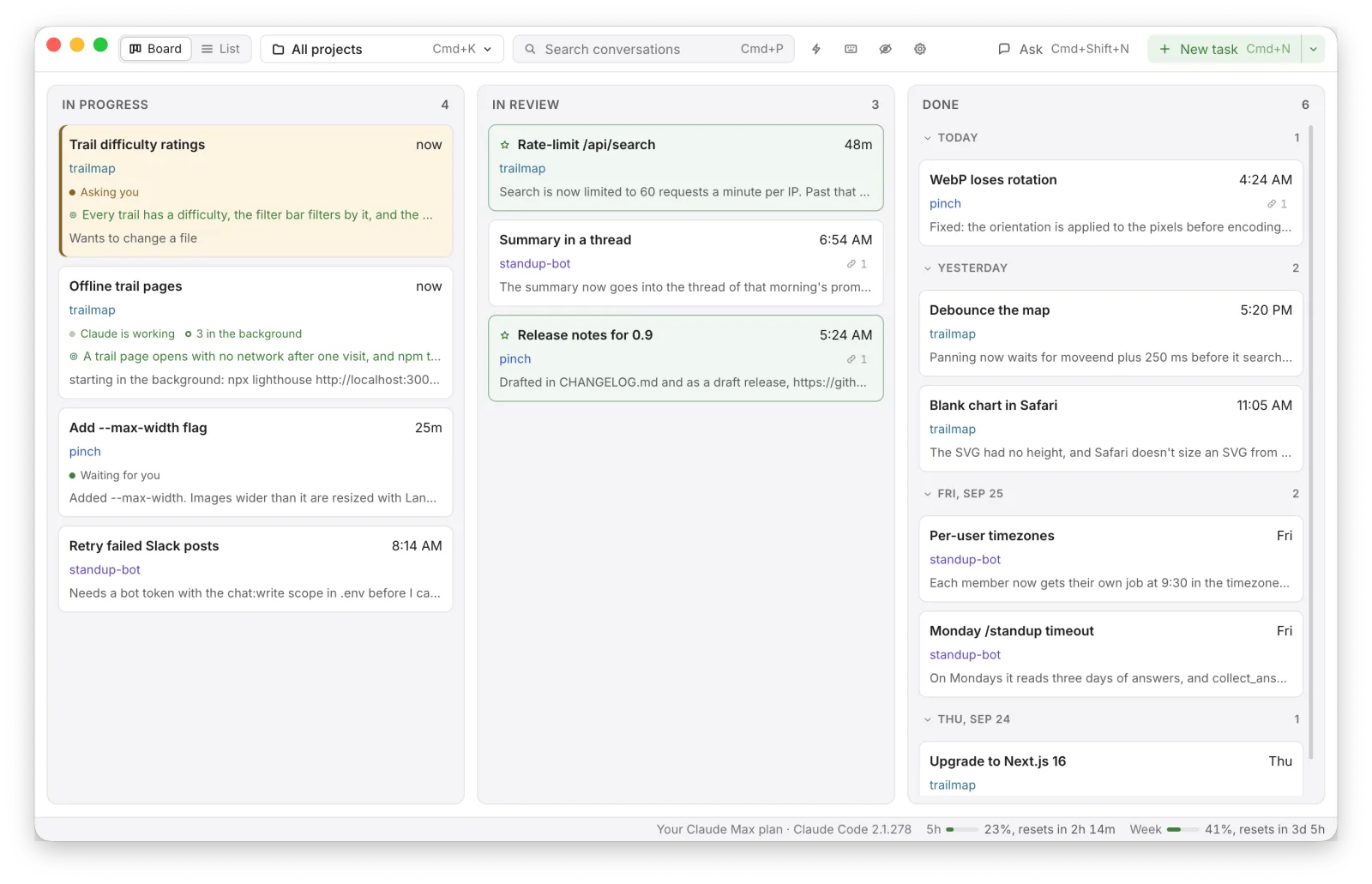
Conversations
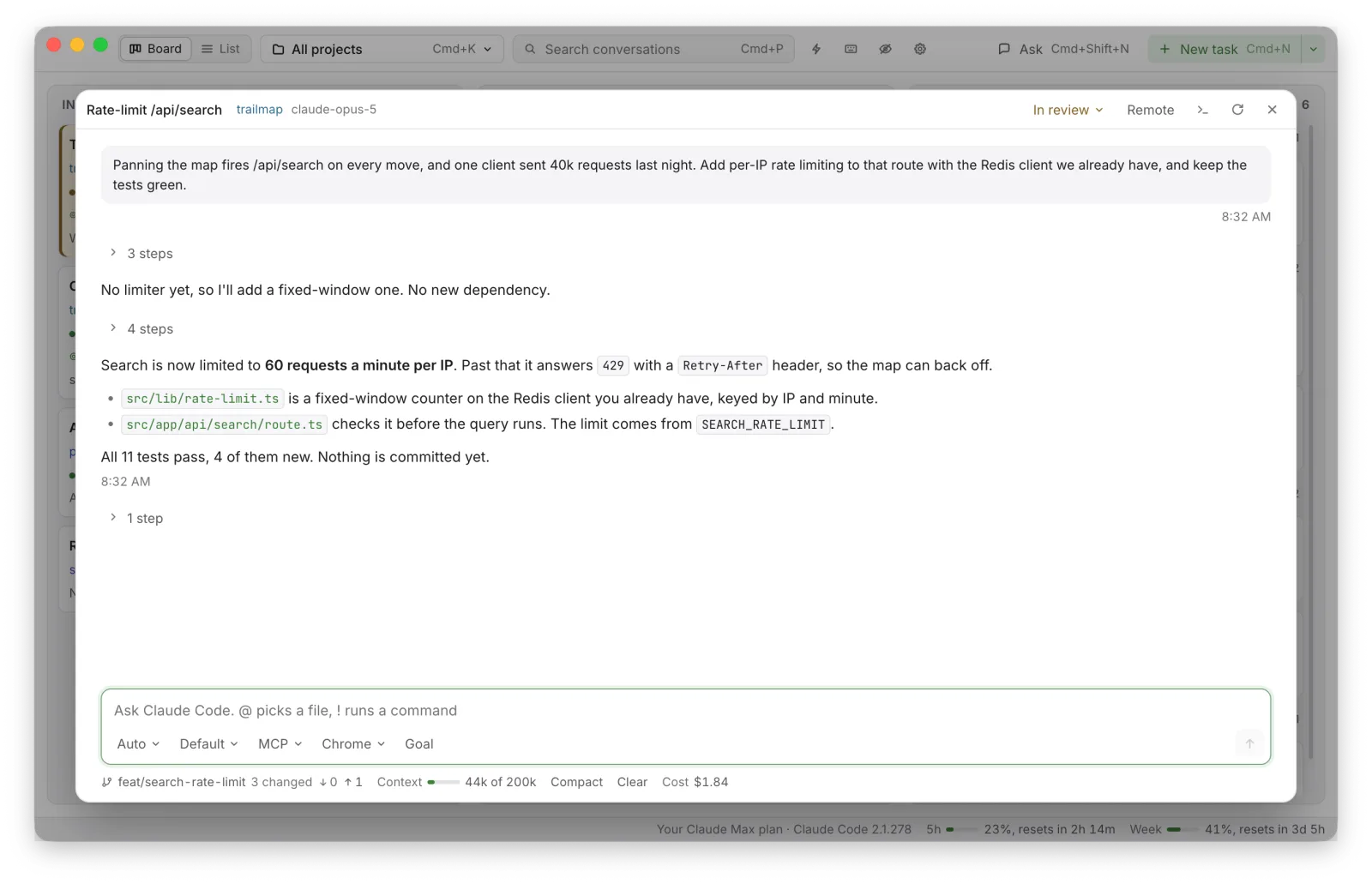
Open a conversation from its card and keep working in GeckIt. Background jobs appear alongside the conversation.
Hosts
Run Claude Code on another computer over SSH. Codex conversations run on this computer; both appear on the same board.
And more
Employees work on websites in their own browser: search, open pages, fill in forms. Every step is in the conversation, with the page it saw.
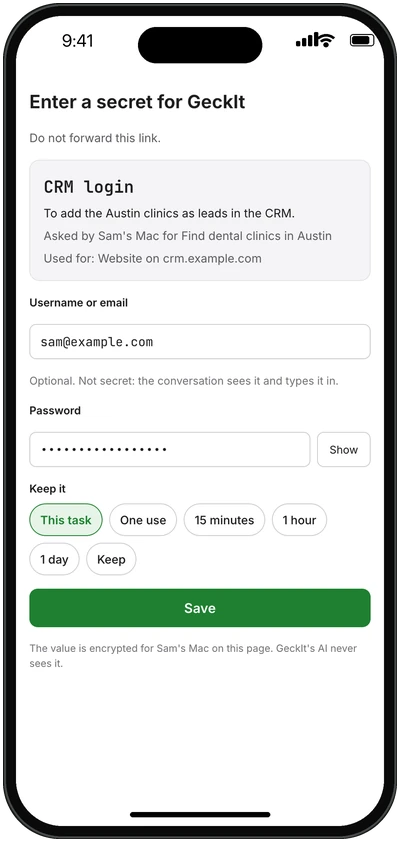
When an employee needs a password, you get a link. The value is encrypted on that page for your computer, and the AI never sees it.
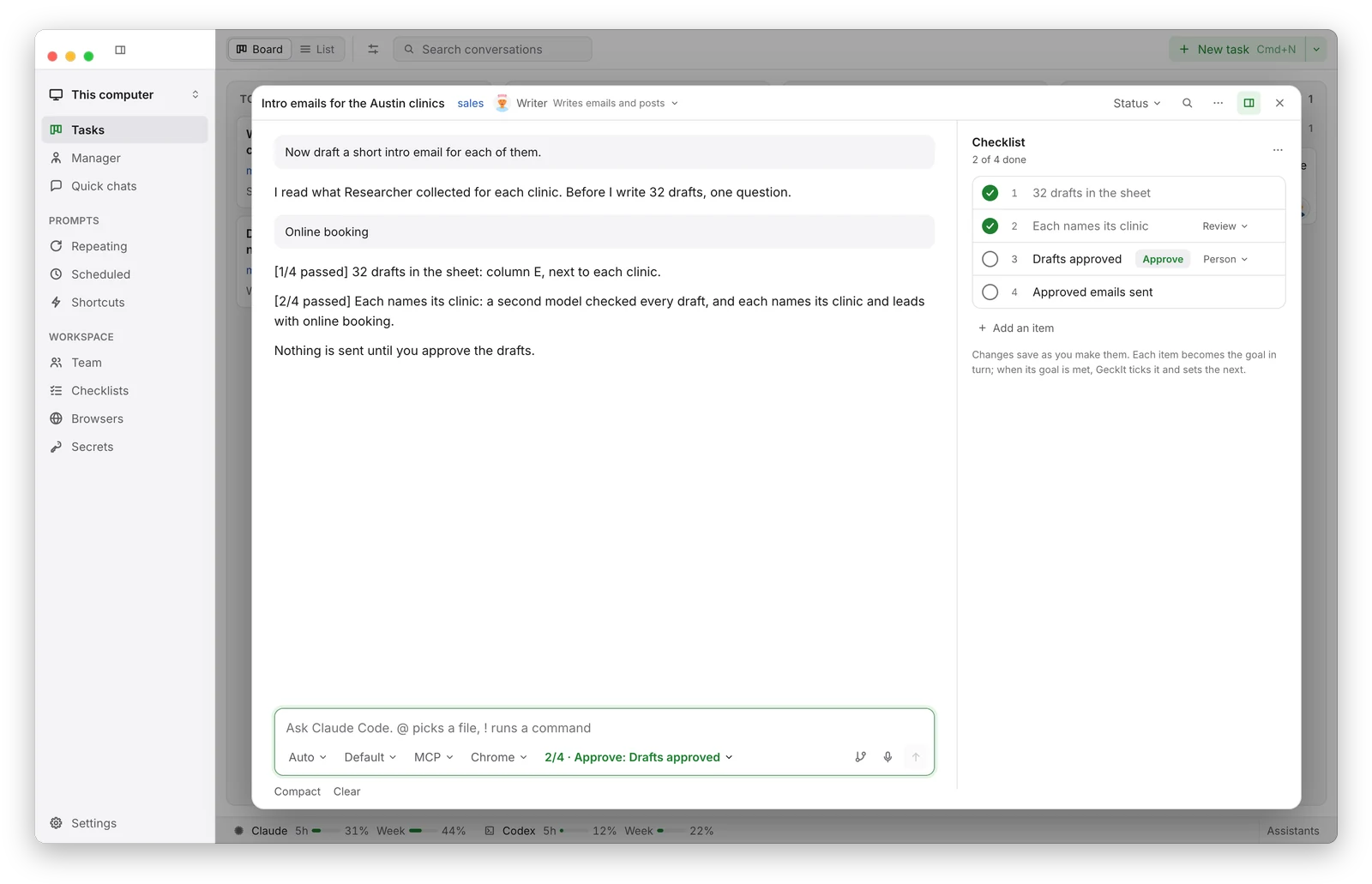
A task can carry a checklist. Each item becomes the goal in turn, and an item for a person stops the task until you approve it.
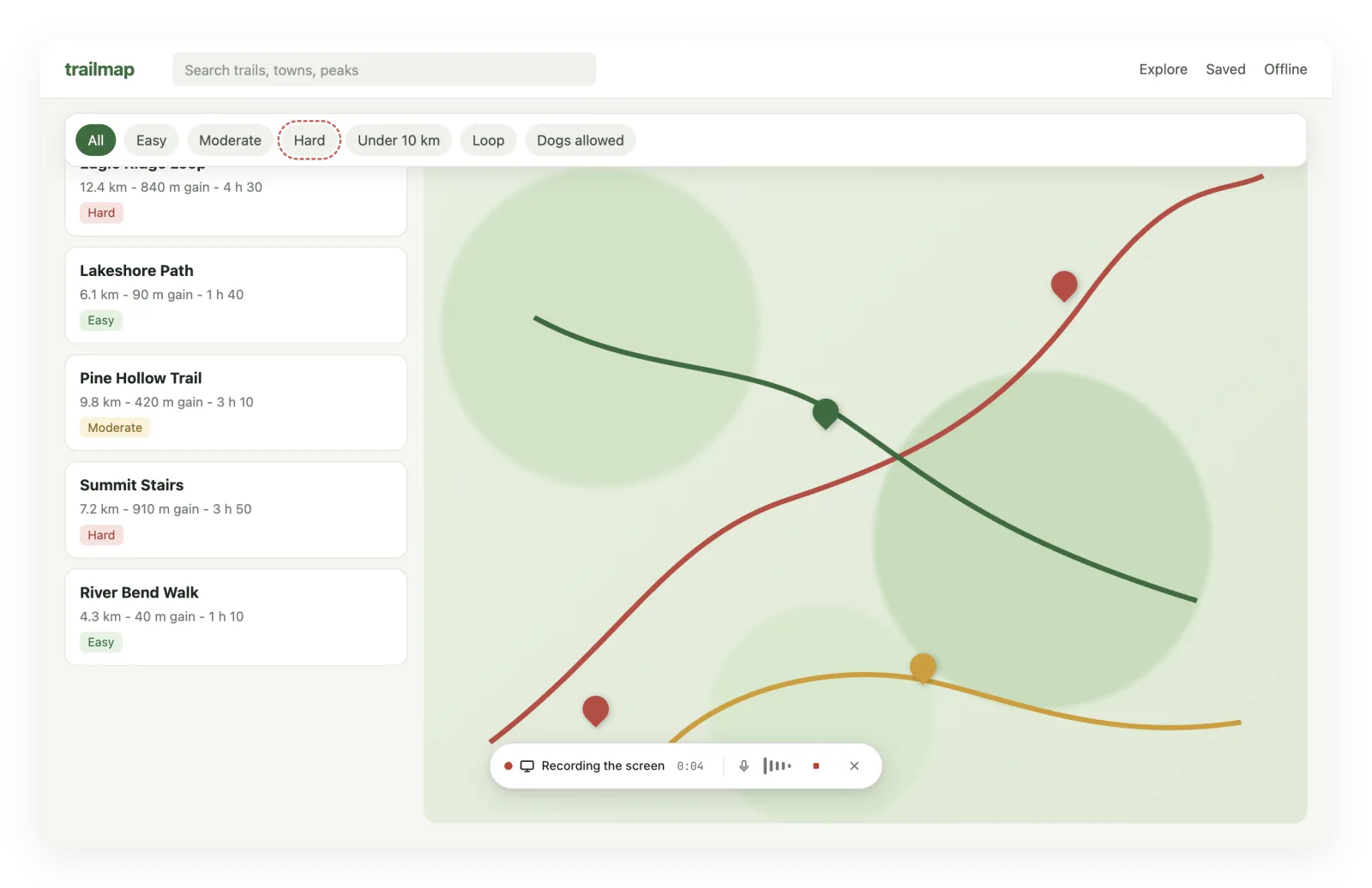
Show the bug instead of typing a description of it. Press Cmd+Alt+R, show the problem and say what is wrong.
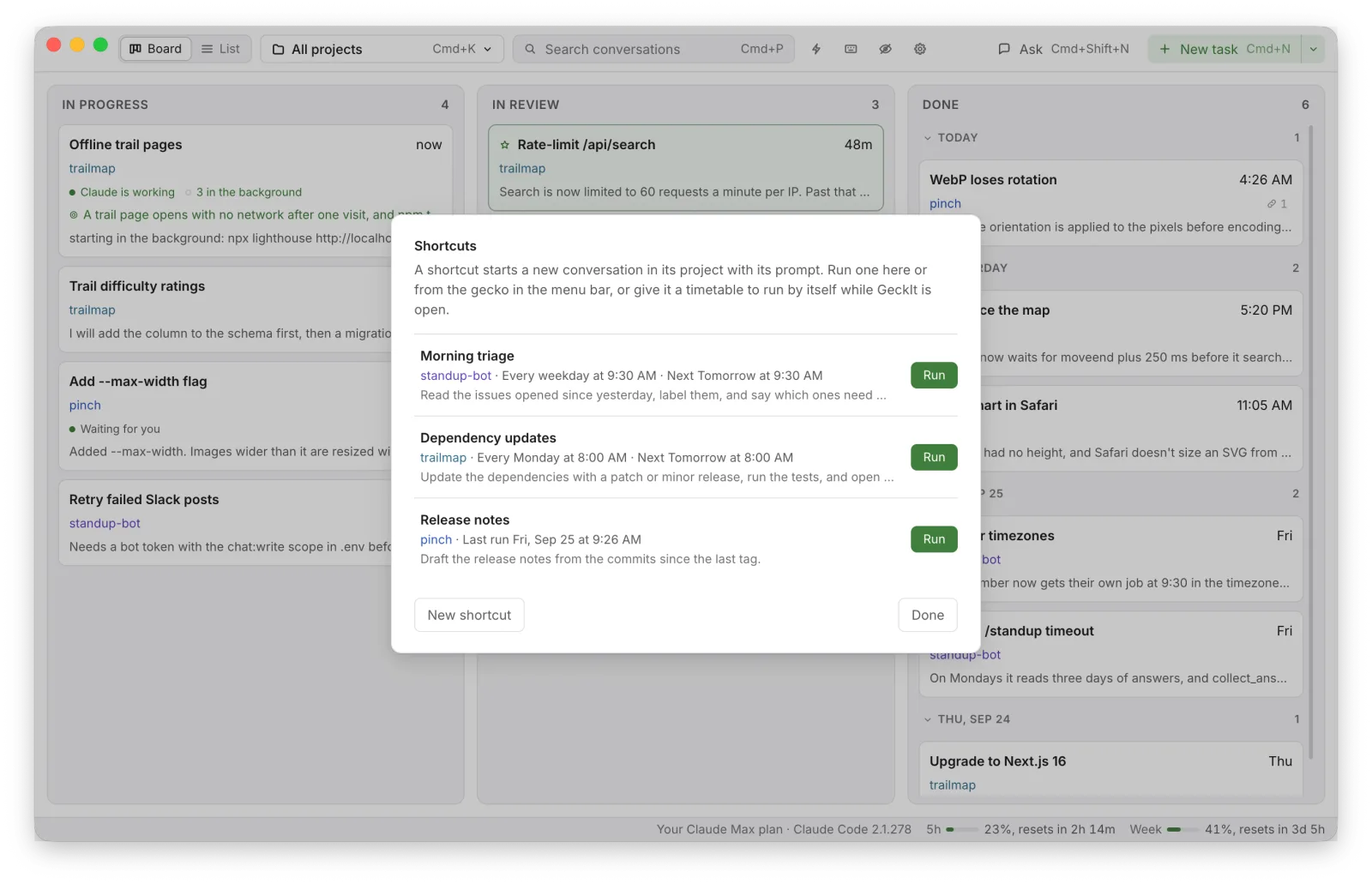
The prompt you type every morning, typed once. Run it by hand or on a timetable.
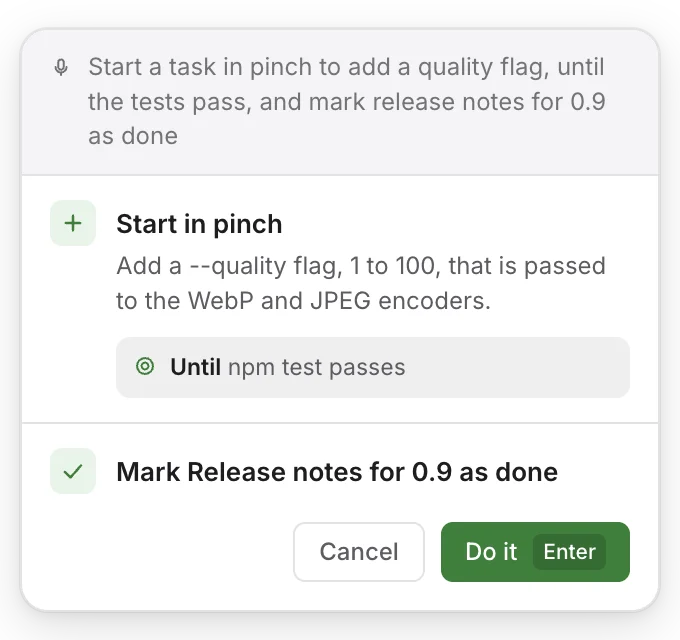
Start or stop work without typing, from any app. Press Cmd+Alt+G and say what to do.
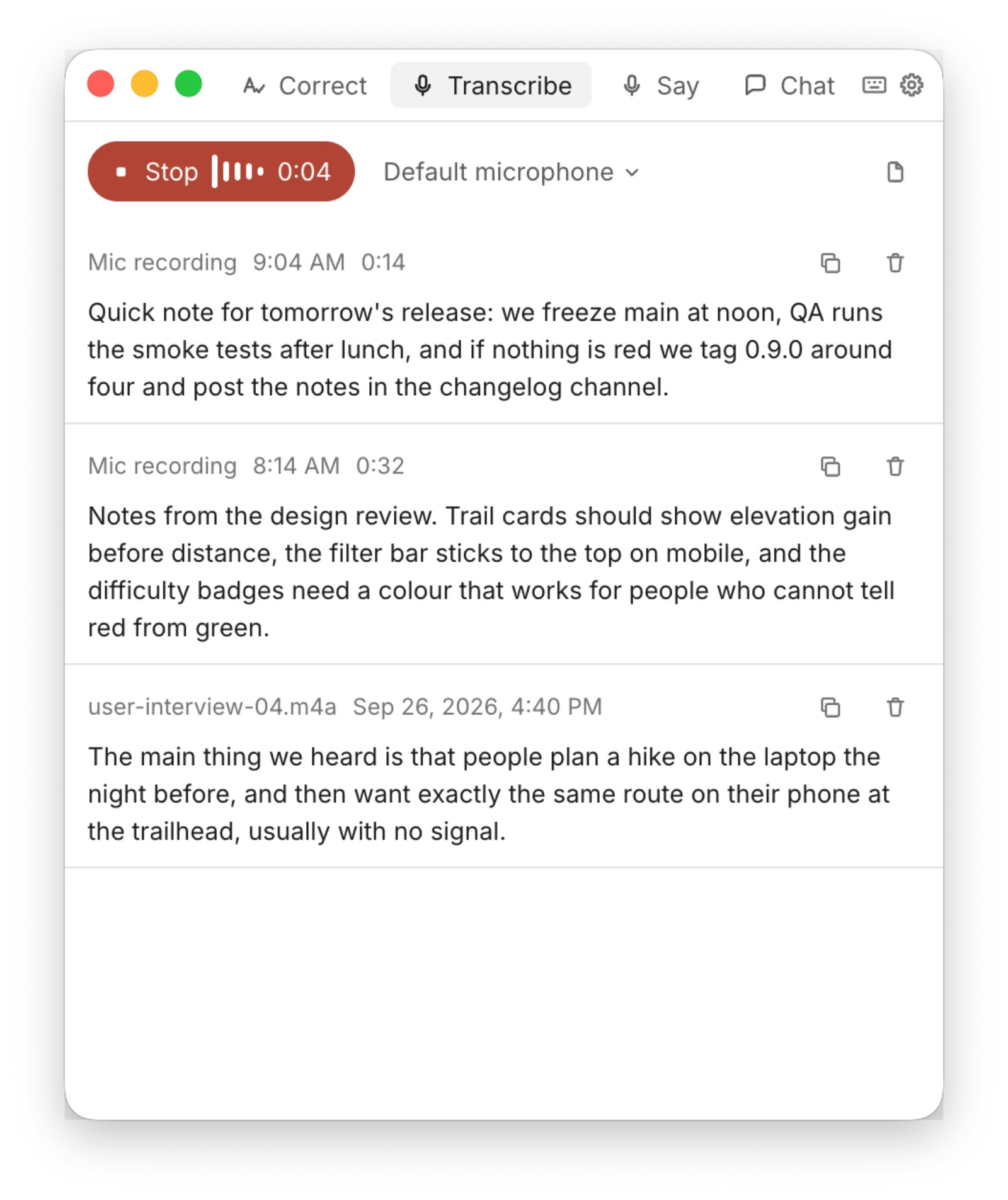
Find the conversation where something was decided without remembering which project it was in. Keep work and your own projects apart.
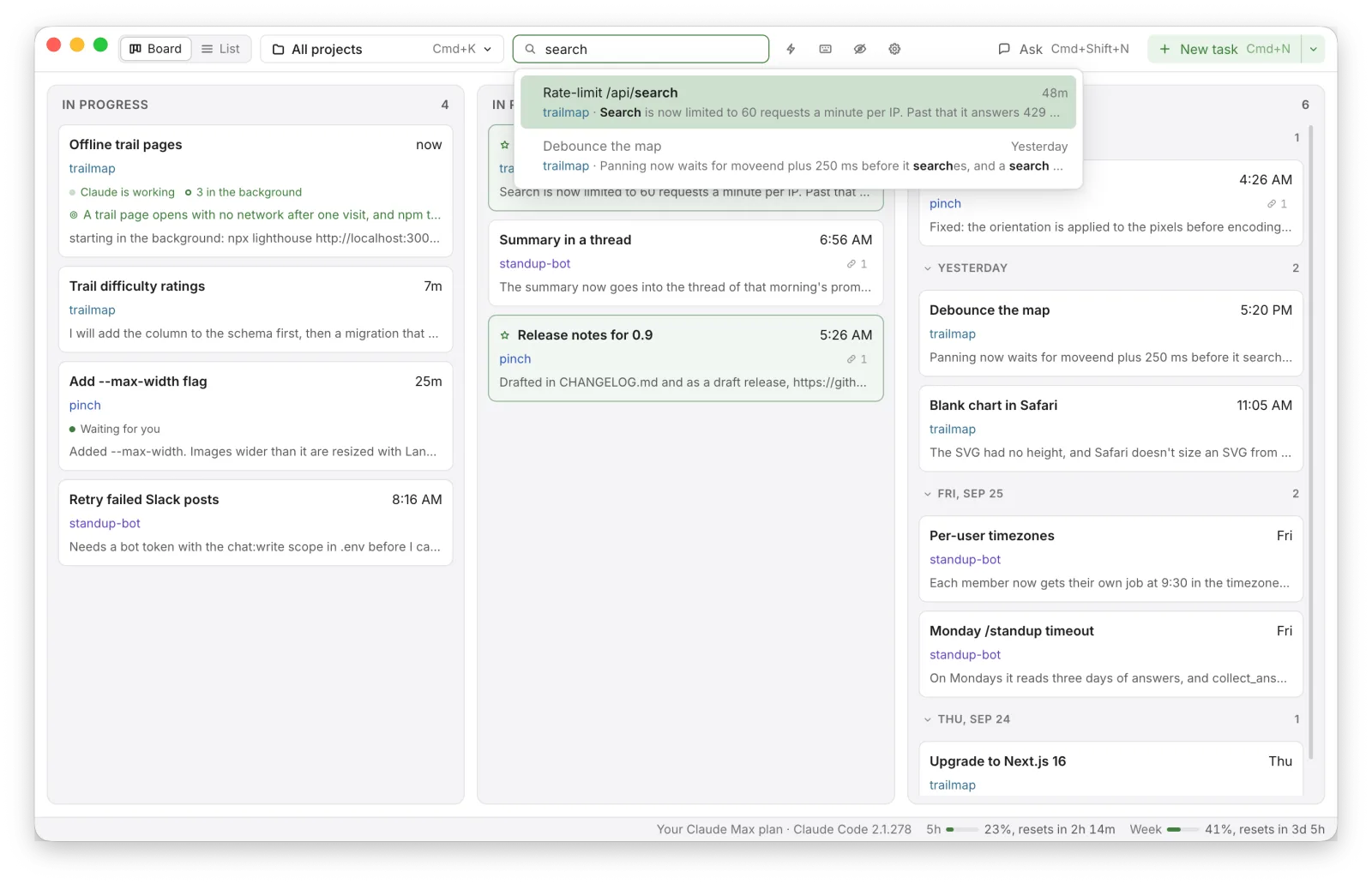
Select text anywhere and press Cmd+C+D. GeckIt corrects the grammar, improves, translates or explains it.
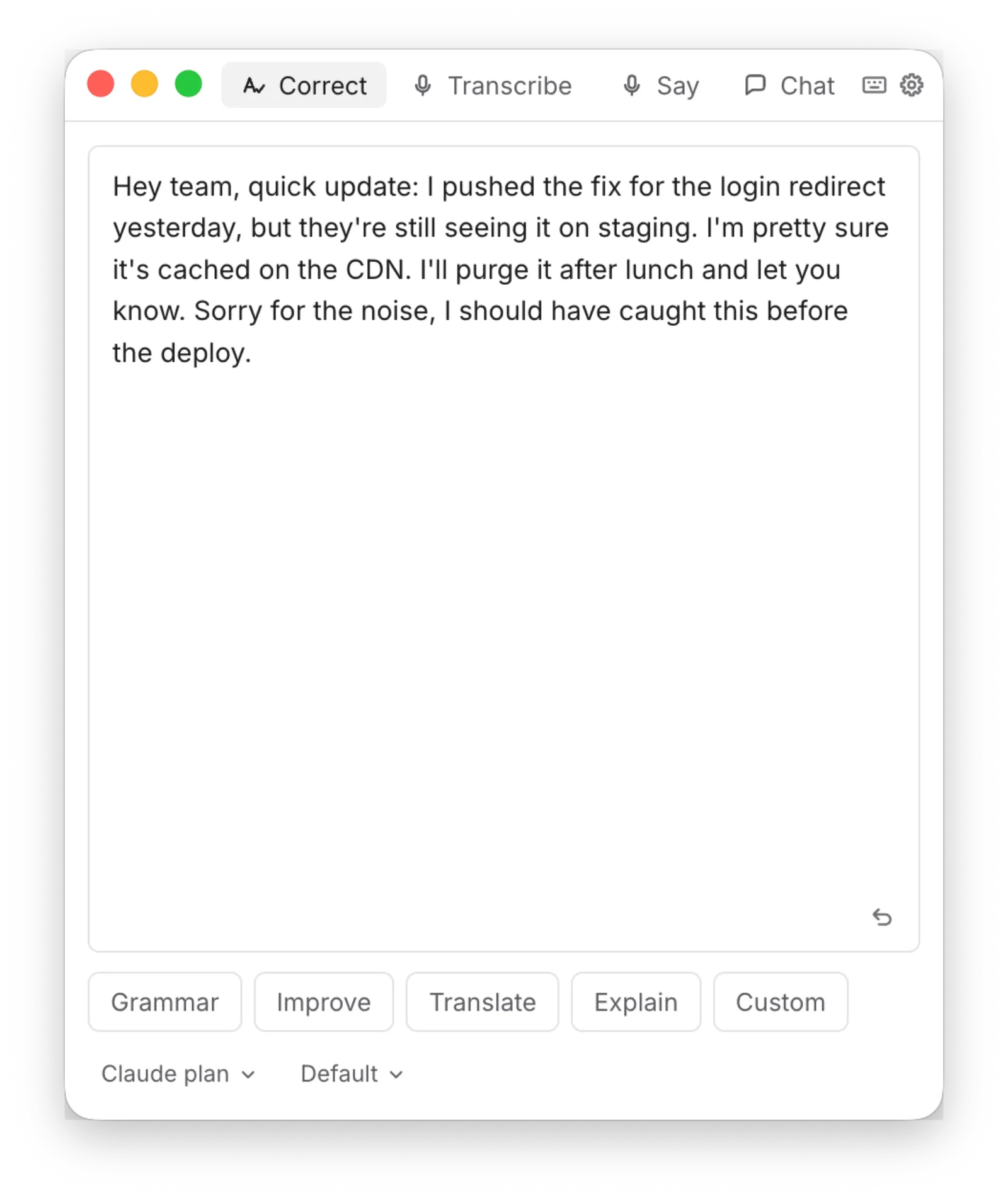
Press Cmd+Alt+V, speak, and the text is pasted where you were typing.
Policies and terms
Each assistant runs with its own account and permission flow. Checked against Anthropic's terms on September 28, 2026.
GeckIt runs the Codex CLI on your computer. Sign in with your ChatGPT account. Codex handles its own permission checks. Use Codex in line with OpenAI's Usage Policies.
GeckIt runs the claude you installed. Sign in with Claude Code's own login. GeckIt does not keep or send your credentials. Claude talks to Anthropic from your computer or host.
Use your own account and keep to your own work. Conversations working at once is 6 by default, because many conversations working for hours is not what a plan's limits assume.
Questions
Yes. GeckIt supports both Codex and Claude Code, with conversations from both on the same board.
GeckIt follows the rules Anthropic sets for apps that run Claude Code: it runs the claude you installed, you sign in with Claude Code's own login, and there is no GeckIt server between you and Anthropic. Checked against Anthropic's terms on September 28, 2026.
Yes: an installer for Windows and an AppImage for Linux, beside a dmg for Apple Silicon and Intel Macs. The Windows installer is not signed, so SmartScreen warns about it: More info, then Run anyway.
Yes. GeckIt can read terminal conversations and continue them. Codex connects to its local service; keep a Claude Code conversation open in only one client at a time.
Yes. A conversation can run on another computer reached over SSH, a host. It runs there, on the Claude Code and the plan signed in there, and keeps working when this computer sleeps or the connection drops. On a host, sign in to claude there yourself, with your own account.
Agent view is a screen in the terminal, in research preview, that lists your background sessions by state. GeckIt is a desktop window: sessions are cards you move between To do, In progress and Done, a card opens into the conversation, and the same board is on your iPhone.